Watch our how-to videos to get the answers to your Sonetics product questions quickly.
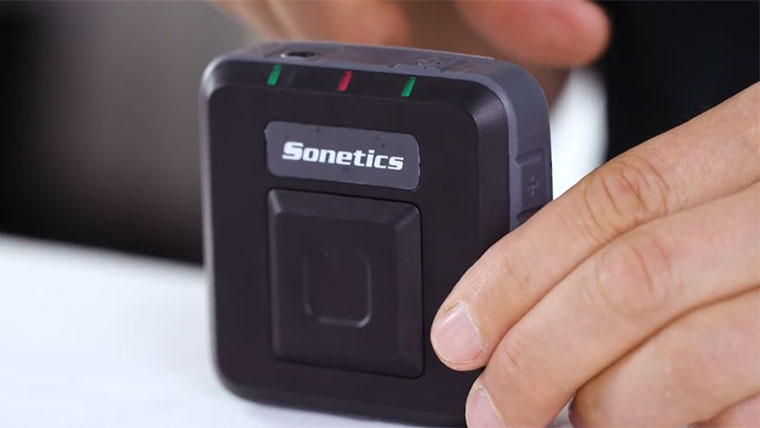
Sonetics Apex Connect
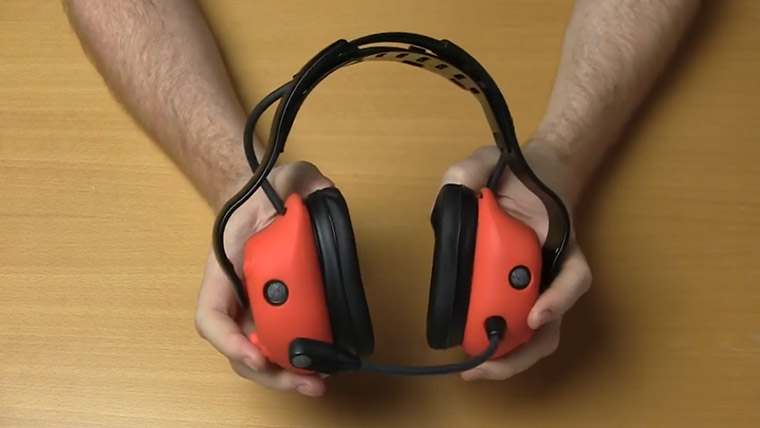
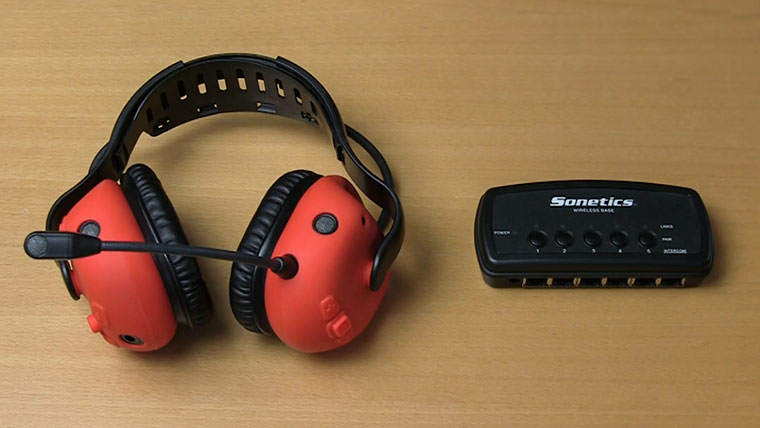
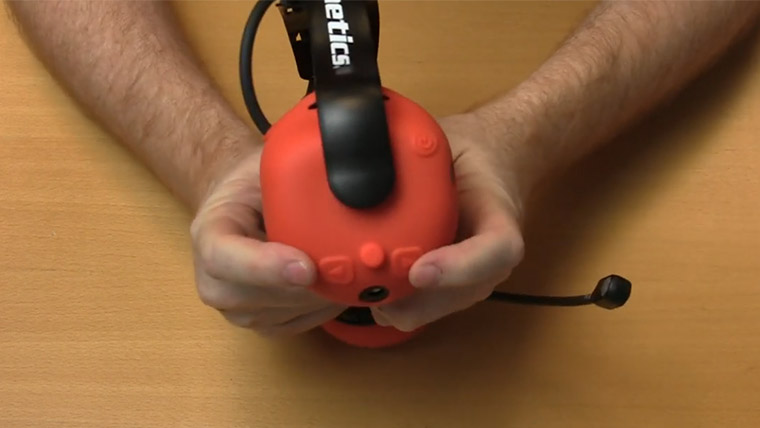
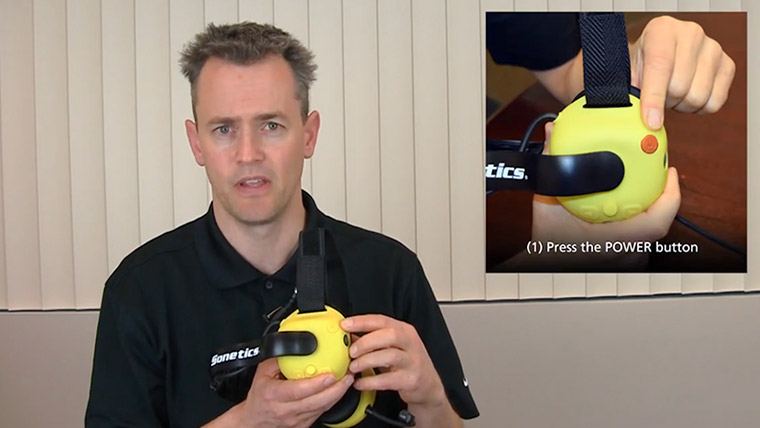
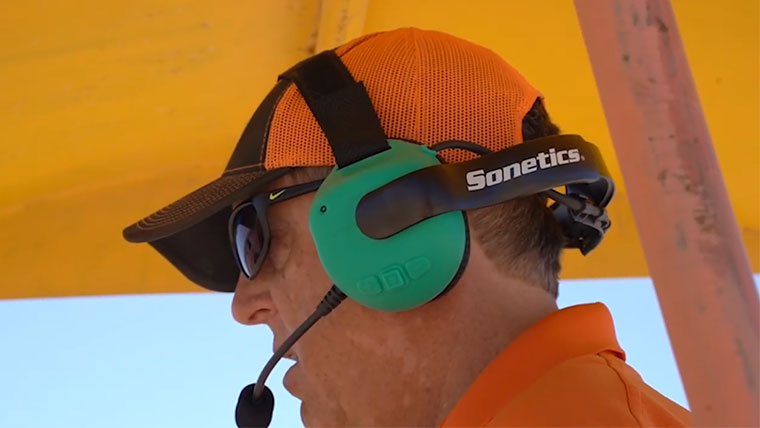
Basic Features on Wireless Headsets
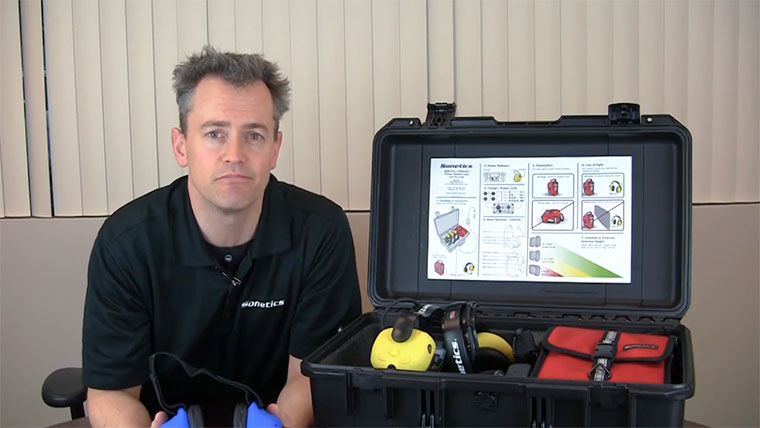
Quick Start Guide For Wireless Comm. System
Charging A Sonetics Wireless Headset
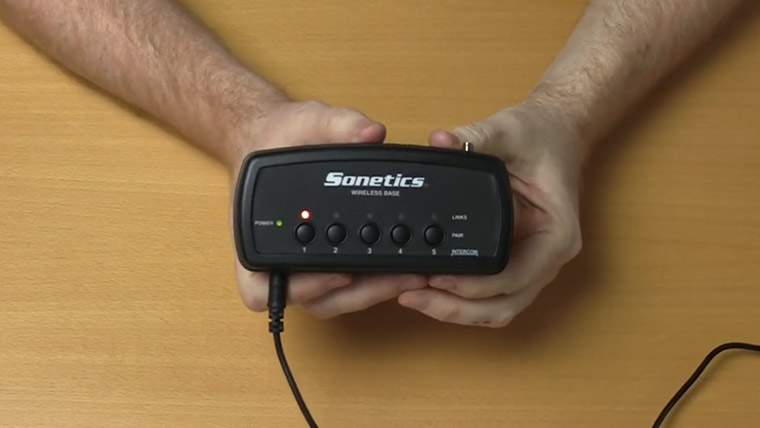
Pairing headsets to a Comhub / Base Station
What is Listen-Through & how to adjust it
Adjust Listen Through and Channel Control
Adjusting Microphone Sensitivity
Program A System to Channel Mode
What is Virtual Tethering
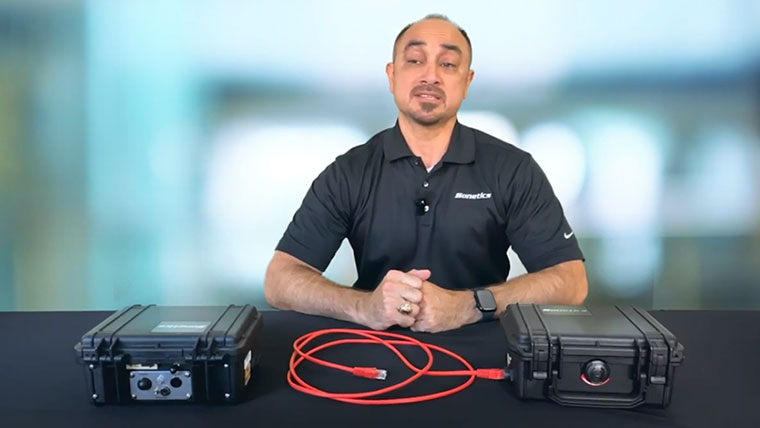
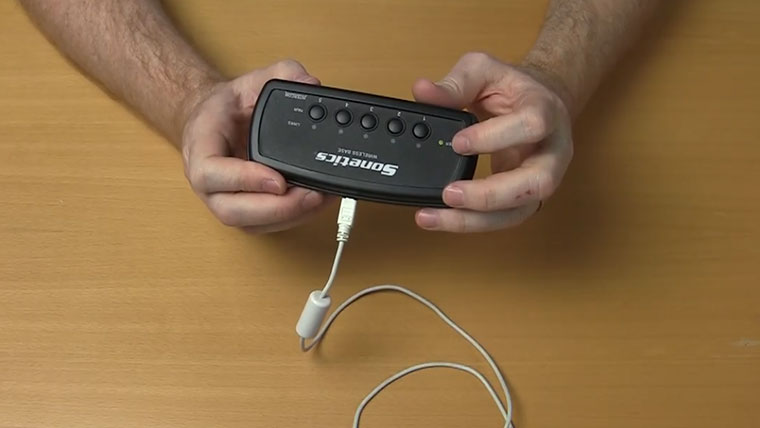
Tethering Sonetics Comhubs / Base Stations
Clear a Headset Pairing on Base Station
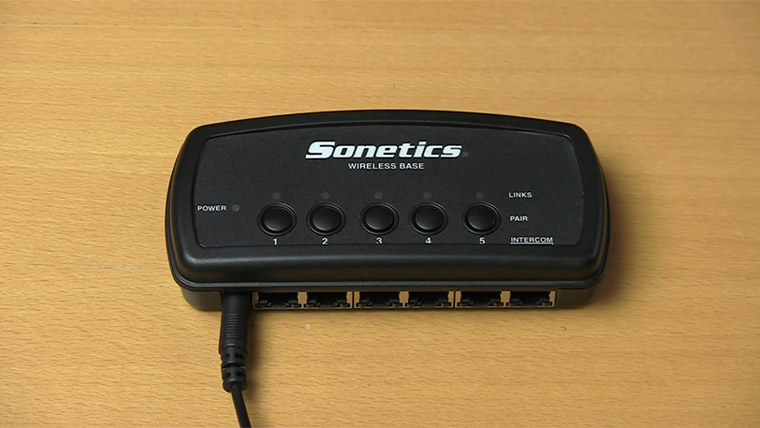
Configuring Base Station / Comhub Modes
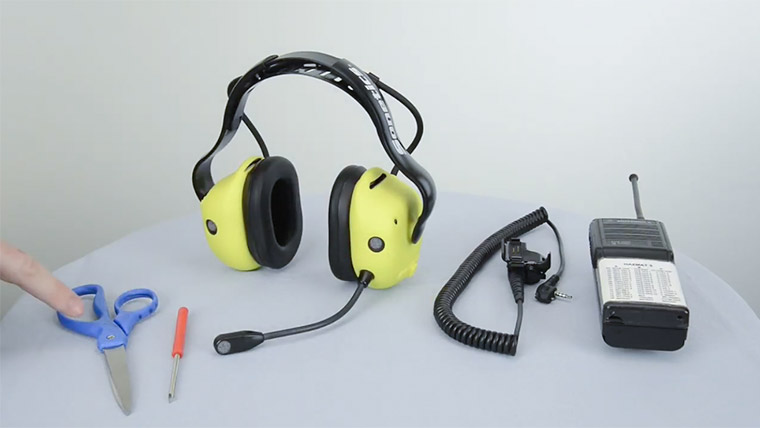
Connect A Radio Directly To Headset
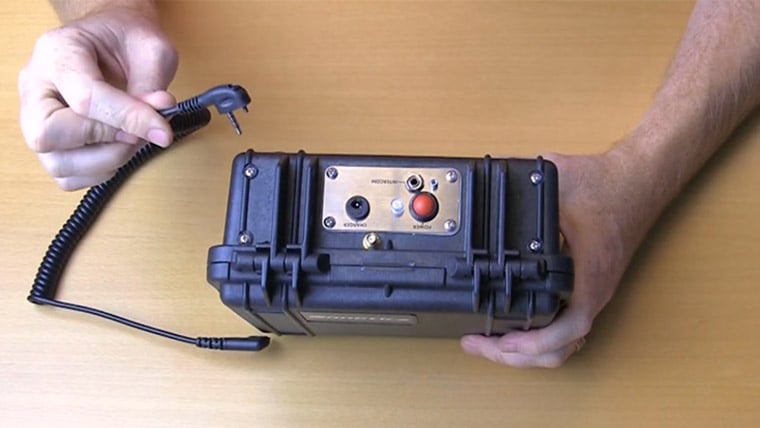
Connecting A Radio to a ComHub
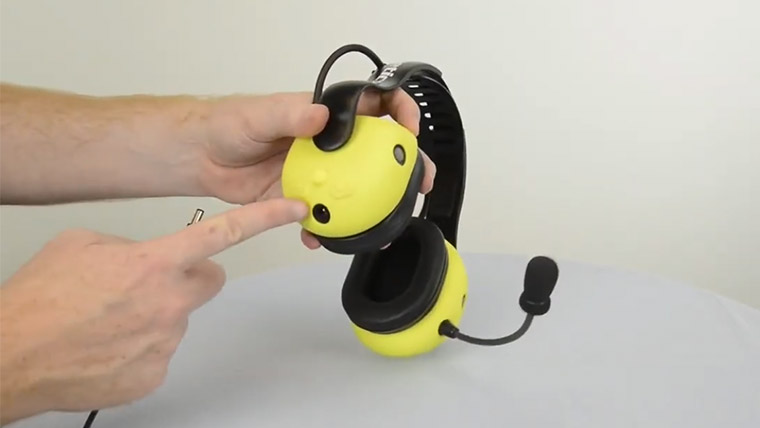
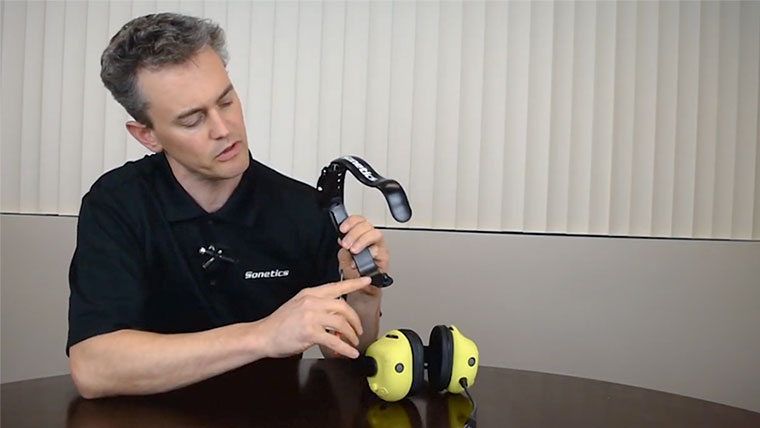
Reconfigure the Headband on Headset
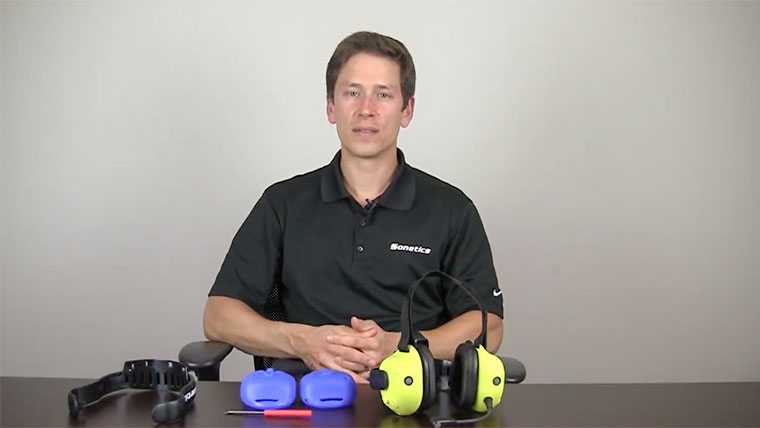
Replace the Headband and Ruggedizers
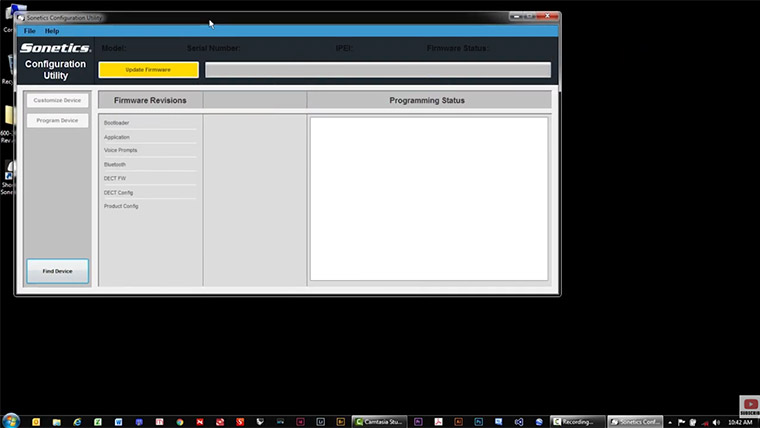
Install Sonetics Configuration Utility
Update and Configure Wireless Headsets
Update and Configure a Sonetics Base Stations or Comhub
Request help with your equipment.
Product Manuals & Quick Start Guides
Download the latest firmware
Browse our product FAQ
Find the right cable to connect a comhub to a radio
Need Help? Give us a call or complete the form.
Monday – Friday 6:30 a.m. to 5:00 p.m. PST800-833-4558
From tech support in the building to regional reps across the country, Sonetics is here to serve and support you.